
How to Redesign Your Website Without Losing Your Google Rankings
Short answer: a website redesign without losing SEO comes down to four disciplines — URLs are preserved or 301-redirected one-to-one, page content and internal linking are carried across rather than trimmed, the staging site is blocked from indexing before launch and unblocked after, and a full crawl comparison is run before go-live. Most post-redesign traffic collapses trace back to missing redirects, thinner content, an accidental site-wide noindex, or a speed regression from an unoptimized new design.
If you’re reading this because your traffic has already dropped, skip to the recovery section. If you’re reading it before launch, good news: a website redesign without losing SEO is almost entirely a planning problem, and the plan below is the one we run on every website build we ship.
What a redesign gone wrong looks like | 2026 Checklist
The call always sounds the same. The new site was launched two to three weeks ago. Everyone loves it. Then someone checks Search Console and organic traffic is down 40, 60, sometimes 80 percent.
The design isn’t the problem. The design is usually better. The problem is that a website has two audiences, and only one of them was in the review meetings. Google — and increasingly, AI assistants like ChatGPT — have spent years building an understanding of your old site: which URLs exist, what each one is about, how they link together, and how fast they load. A redesign can quietly demolish all of that while appearing to be an improvement.
The four things that cause almost every collapse in redesign
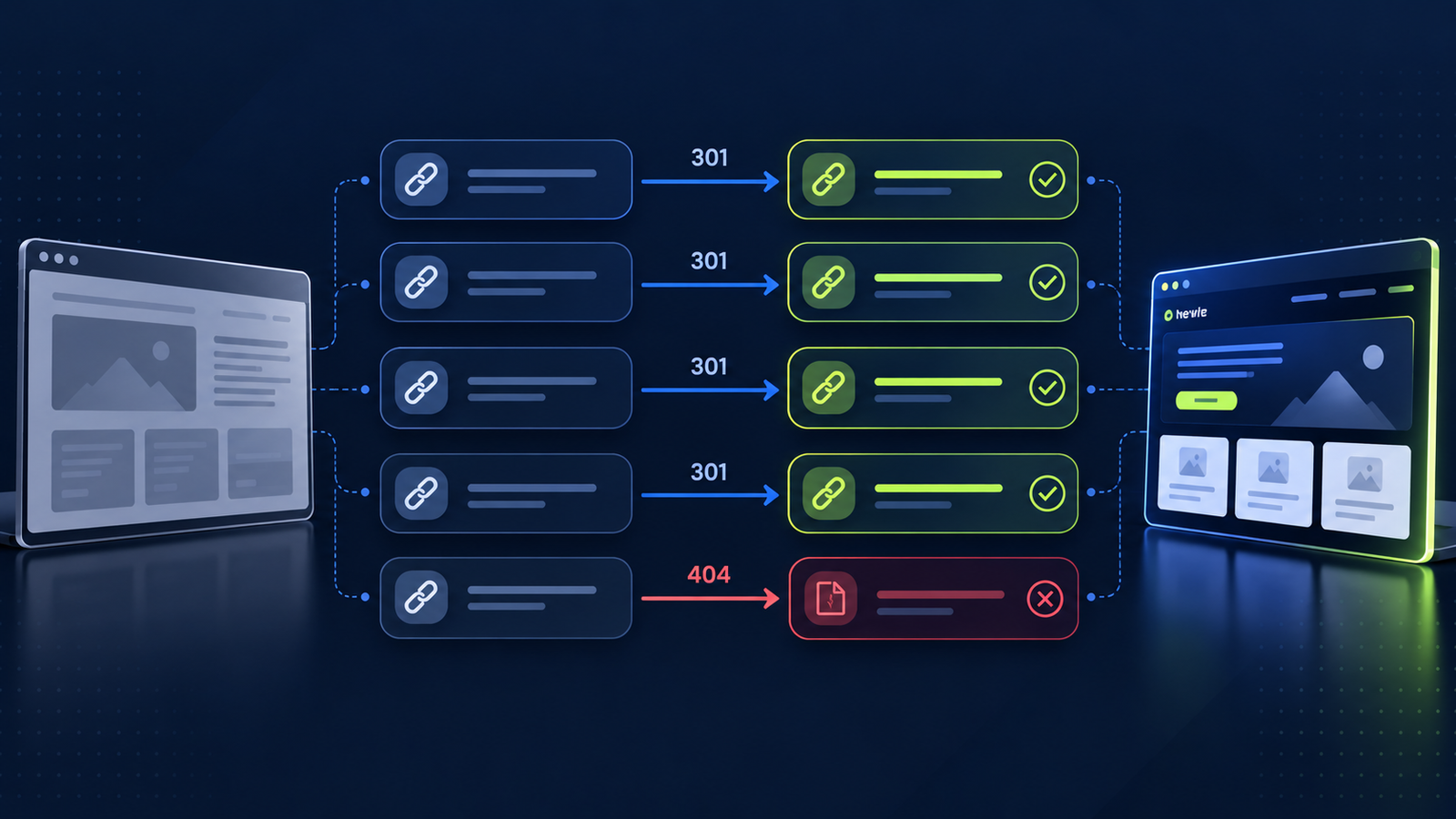
Changed URLs with no redirects. /services/medical-billing becomes /what-we-do/billing, and nobody maps it. Every ranking, every backlink, and every bookmark pointing at the old URL now hits a 404. This is the single most common cause, and it’s completely preventable.
Content got shorter because the design looked cleaner with less text. This one hurts because it’s done deliberately, by people with good taste. That 1,800-word service page that ranked for forty terms gets cut to 300 words of elegant copy, and the forty terms go with it. Design constraints should never dictate content depth. If the layout can’t hold the content, change the layout.
Someone forgot to remove the noindex. Staging sites should be blocked from indexing. That block should be removed at launch. When it isn’t, the entire site drops out of the index within days. It’s a five-minute check that has cost businesses six figures.
The new site is slower—hero videos, uncompressed images, four webfonts, a carousel, and six tracking scripts. LCP goes from 2.1s to 5.4s, and both Google and your visitors respond. The widely-cited benchmark, roughly a 7% conversion drop per additional second of load time, originates in older Akamai/Deloitte-era retail research, so treat it as directional rather than gospel, but the direction has never been in dispute.
Before you launch, thoroughly review the checklist to ensure all critical SEO elements are in place, helping prevent traffic drops and ensuring a smooth transition. Crawl the old site completely. Screaming Frog or equivalent. Export every URL, title, meta description, H1, canonical, and status code. Do this before anything changes. It is your only source of truth later, and you cannot recreate it after launch.
Export your performance data from Search Console and GA4 to establish a baseline, enabling effective monitoring and quick response to issues after launch.
Decide URL structure deliberately, then defend it. If a URL doesn’t need to change, don’t change it. “Cleaner URLs” is rarely worth the risk. Where change is genuinely necessary, document the old-to-new one-to-one.
Build the redirect map before development finishes, ensuring every old URL has a precise destination, which is crucial for maintaining rankings and backlinks.
Carry the content across, then improve it. Every page that earns traffic retains its depth, headings, and internal links. Improve after launch, once you have a stable baseline to measure against.
Preserve internal linking. Internal links distribute authority and tell search engines what matters. New navigation often orphans pages that were once three clicks from the homepage. Compare internal link counts for your top 50 URLs, old versus new. This is the least glamorous and most overlooked part of a website redesign without losing SEO, and it’s the first thing our SEO team audits on a migration.
Set performance budgets during the build. Compressed and correctly-sized images, lazy loading below the fold, two webfonts maximum, deferred non-critical scripts. Test on a throttled mobile connection, not your office fiber. LCP under 2.5s, INP under 200ms, CLS under 0.1.
Check staging is blocked and production isn’t. robots.txt, meta robots, X-Robots-Tag, and any CMS-level “discourage search engines” setting. Check all four. Then check them again on launch day.
Validate structured data and canonicals. Self-referencing canonicals on every page. Schema tested in the Rich Results tool. Fresh XML sitemap with only live, indexable URLs.
QA on real devices. Every CTA, every form submission, every phone and email link on an actual phone. Forms that silently fail after a redesign are alarmingly common, and unlike a ranking drop, nobody reports them; the leads stop.
Launch day and the first week
Push the redirects live with the site, not after. Crawl the new site immediately and look for 404s, redirect chains, missing titles, and unexpected noindex tags. Submit the new sitemap in Search Console. Watch the Pages report daily for a week, you’re looking for crawl errors and coverage drops, not rankings. Run Lighthouse against your pre-launch benchmark. Confirm GA4 conversion events are firing, because tracking breakage during migration is close to universal, and it’s the one failure that hides itself.
Expect some volatility. A 10–20% dip for one to three weeks while search engines reprocess is normal on a large migration. A 50% drop is not volatility, it’s a bug.
If your traffic has already dropped
Work in this order. Checking indexation first helps your team feel capable of diagnosing and fixing issues quickly, restoring confidence after traffic drops.
If indexation is fine, check redirects. Crawl your old URL list from the export you took and find every one that returns 404 or redirects to the homepage. Map them properly.
If redirects are fine, compare content. Pull your top twenty organic landing pages from the old site and read them beside the new versions. Look for missing word count, missing headings, and missing internal links.
If the content is fine, check the speed and rendering. Test with JavaScript disabled to confirm your content actually exists in the HTML.
Recovery from a well-diagnosed migration issue usually takes two to eight weeks after the fix. It’s genuinely recoverable. It’s just an expensive way to learn a checklist.
Planning a rebuild? A website redesign without losing SEO is a checklist, not a gamble — our web design and development team runs this one on every migration. If you’re still scoping the project, what a website actually costs in 2026 breaks down where the budget goes. Or get in touch and we’ll review your redesign plan before anything goes live.
Frequently asked questions
Will a website redesign hurt my SEO? Not if URLs are preserved or redirected one-to-one, content depth is carried across, and indexing settings are checked at launch. Redesigns hurt SEO through execution mistakes, not through the redesign itself.
How long does traffic take to recover after a redesign? A normal migration sees 10–20% volatility for one to three weeks. If a specific issue caused the drop, recovery typically takes two to eight weeks after the fix is deployed.
Should I keep my old URLs in a redesign? Yes, wherever possible. Changing URLs without a complete 301 redirect map is the most common cause of post-redesign traffic loss.
Why did my traffic drop after launching a new website? The usual causes are missing redirects, a leftover noindex tag, reduced content depth, or slower page speed. Check indexation first, then redirects, then content, then performance.
Do I need a redirect for every single old page? Every old URL that has traffic, rankings, or backlinks needs a 301 to its closest equivalent. Don’t send them all to the homepage. Search engines treat that as a soft 404.
We’ve migrated [60+] sites without losing organic traffic, and the checklist above is the one we actually run. Book a strategy call before your redesign, not after.